
01
The performance-consulting case
Modules 1–2
Diagnose whether the problem is a training problem at all. You leave with a needs-analysis report, evidence table and cause-solution matrix a reviewer can interrogate.

Digital course · For US career changers into workplace L&D
Break the experience catch-22 with portfolio evidence reviewers can inspect.
$349 complete course · $129 templates

Final deliverable
Three published case studies
First output
A chosen case and gap draft in 15 minutes
Total effort
Roughly 45 to 70 honest hours
Level
No ID experience required
Why this course exists
“A capable professional is being told they need instructional design experience to get instructional design work.”
This course breaks that loop with evidence instead of credentials. Not a certificate line on a résumé: a three-case portfolio a hiring reviewer can open, inspect and interrogate.
You work one performance problem end to end: diagnosis, design, build, facilitation, evaluation. Then you publish it as three distinct, rights-clean case studies. That is what entry-level hiring reviewers actually ask to see.
01
Modules 1–2
Diagnose whether the problem is a training problem at all. You leave with a needs-analysis report, evidence table and cause-solution matrix a reviewer can interrogate.
02
Modules 3–6
Analysis to storyboard to an accessible 10-to-15-minute working module, with a launch QA record and accessibility test evidence, not just screenshots of slides.
03
Module 7
A timed 60-minute session package another facilitator could run cold: guide, deck plan, practice, debrief and job aid, synchronized by activity ID.
For US career changers and workplace professionals, including teachers, trainers, HR practitioners and subject-matter specialists, converting real experience into entry-level instructional-design portfolio evidence for workplace learning and development roles.
It is not certification prep, not a Storyline tutorial, and not for mobile-only learners, because full production needs a real computer. K-12 curriculum leadership roles, which usually require graduate credentials, are out of scope by design.
The transformation
From experienced professional without instructional-design evidence to the owner of a complete, defensible three-case workplace L&D portfolio.
Working Templates is for practicing designers who already know the workflow and want the working files. The portfolio itself, with the course, the cases and the evidence, is Portfolio Builder. Both licence one named person.
The editable toolkit and workbook, without the course.
$129
The complete transformation, evidence to publication.
$349
The final module ends with the reviewer test: can a stranger find your diagnosis, your alignment, your build evidence and your evaluation plan in ninety seconds? Everything here exists to pass it.
Plus the 24-page workbook, the 12-page advanced toolkit with a second full transfer case, three annotated demonstrations, and the editable template kit.
Each frame is pulled from the delivered course files without retouching, so the standard you see is the standard you get. The Northstar teaching case is fictional and labelled as such.
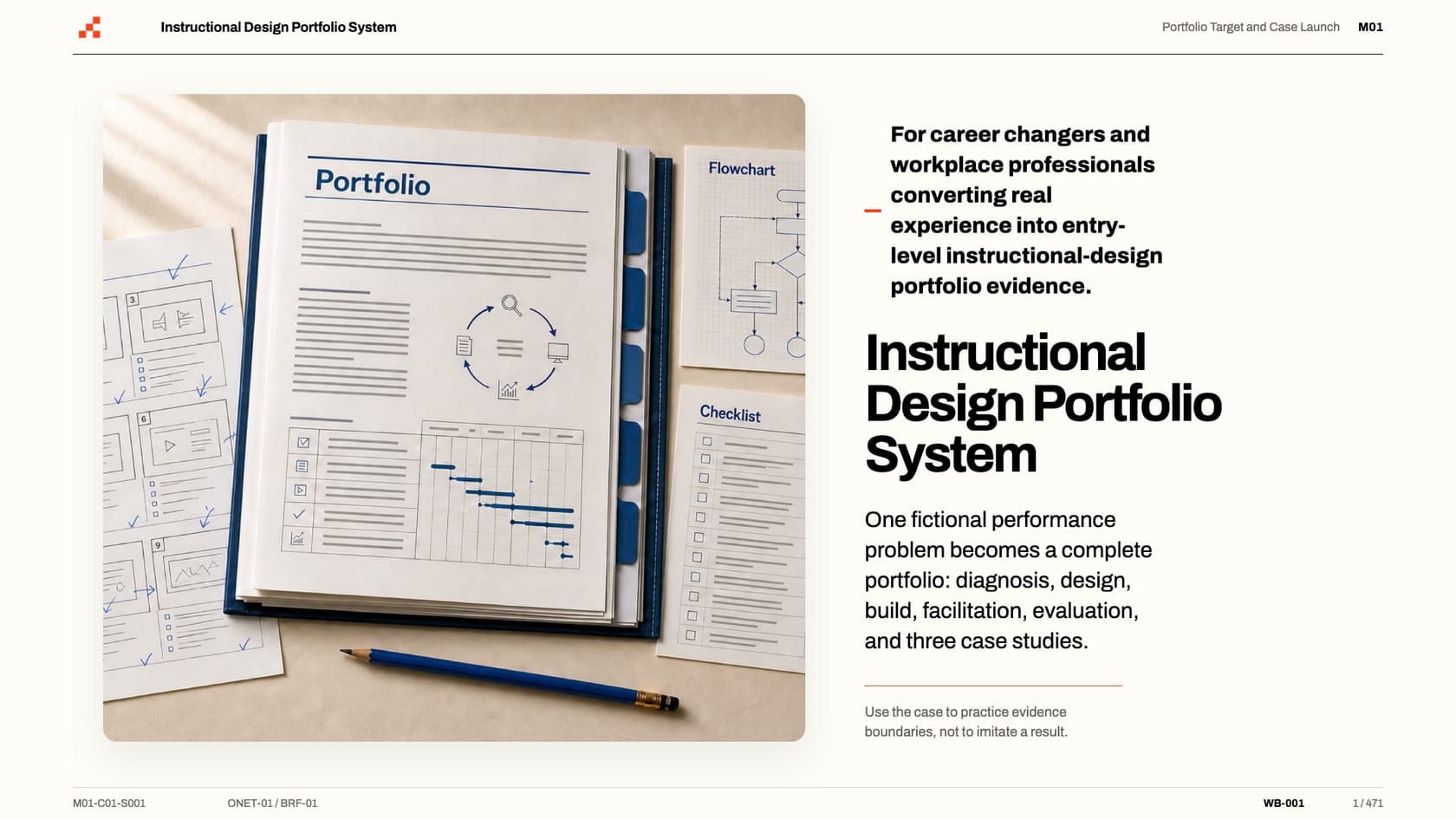
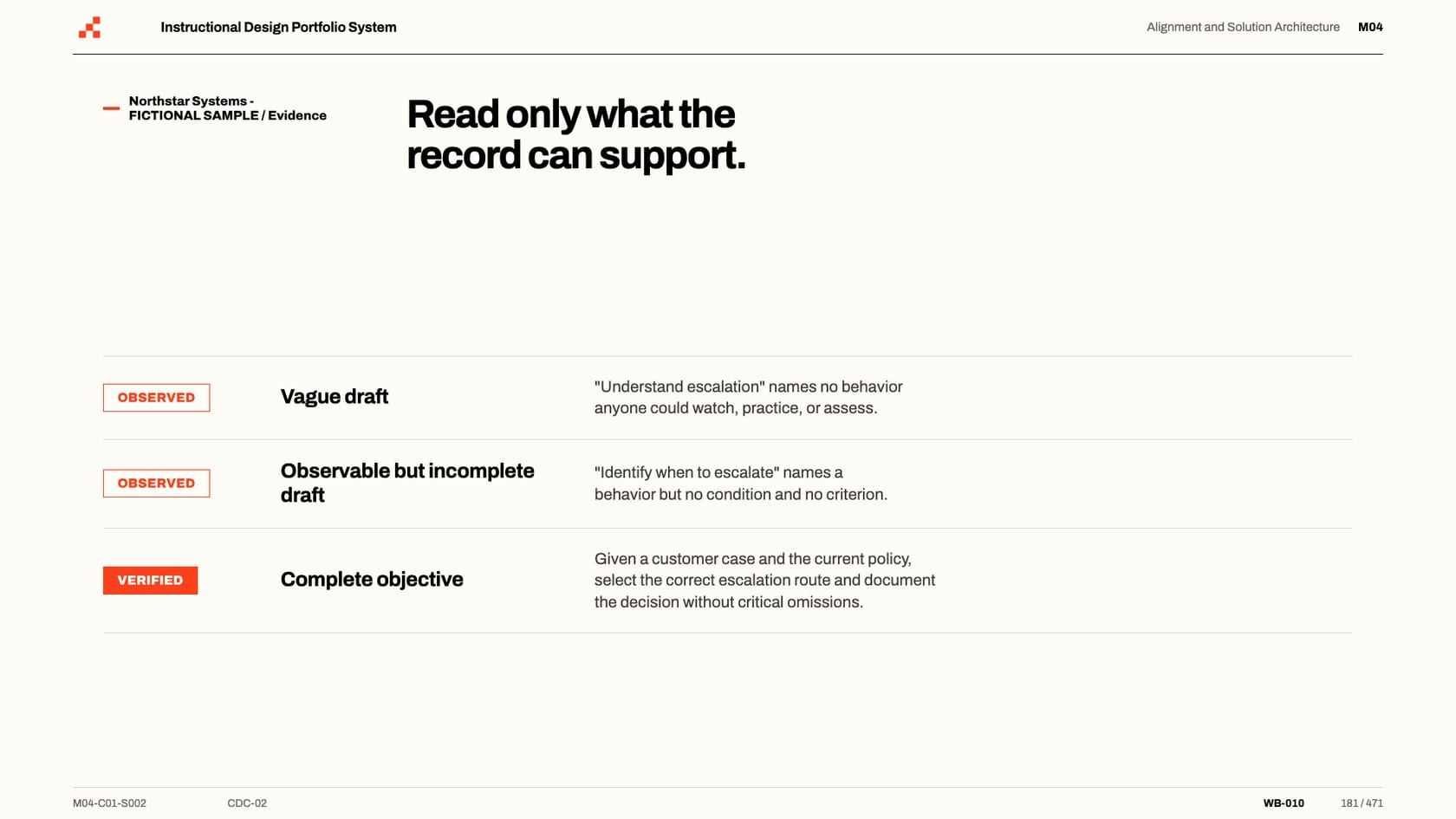
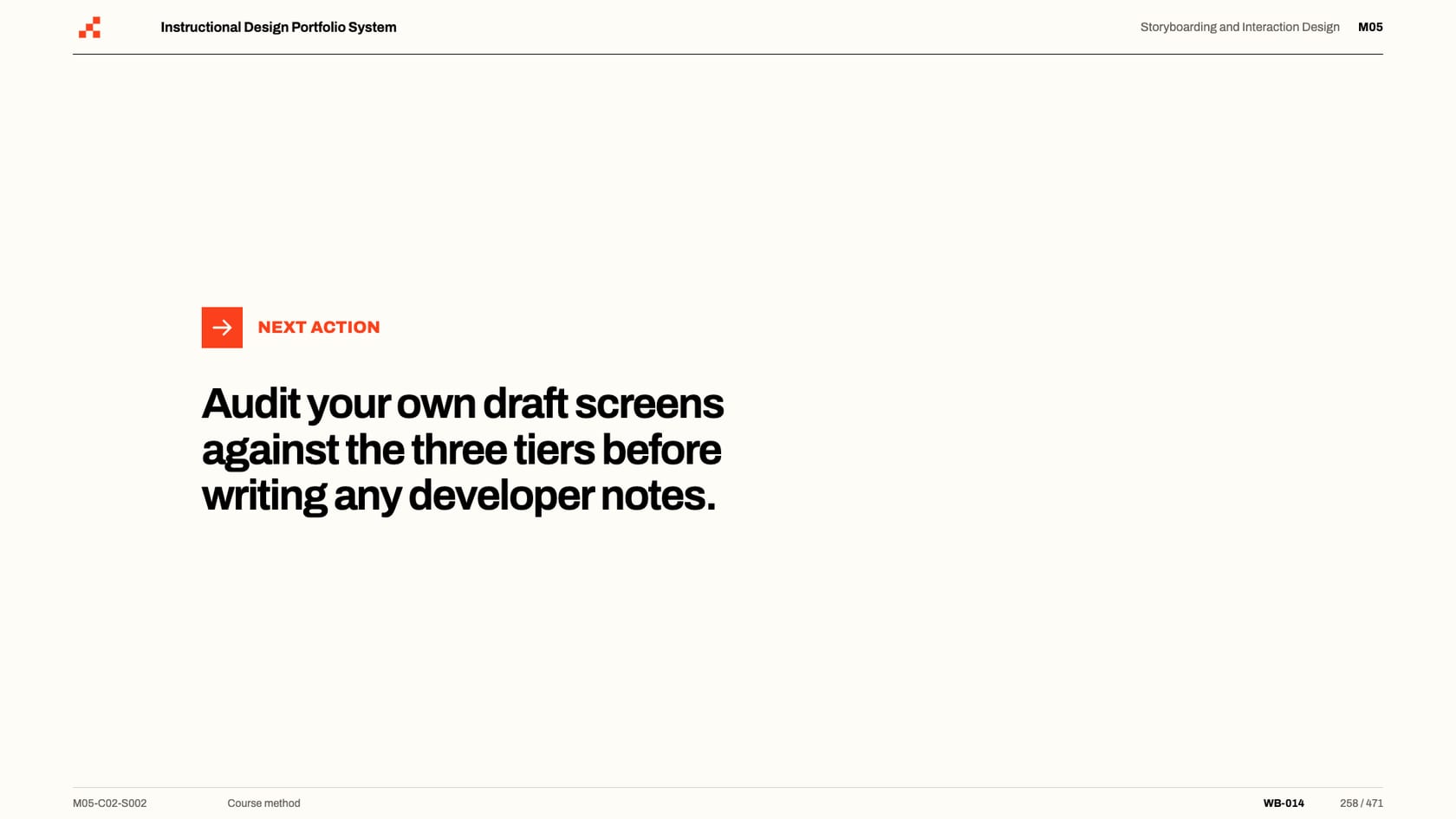
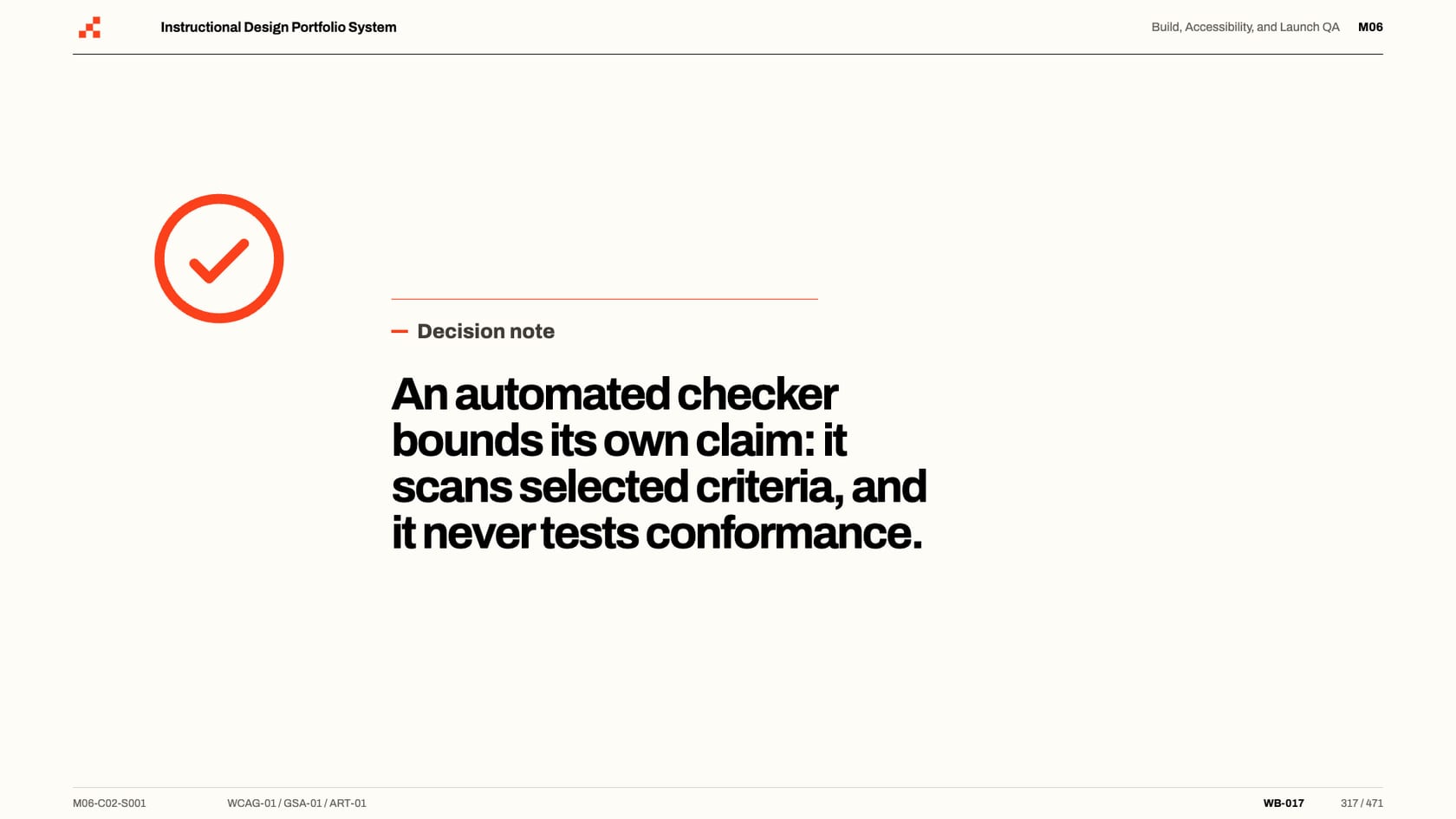
Frame 1 of 471: the portfolio dossier beside the course declaration
01 / 07
Eight modules, 24 chapters and 471 slides. Each guided hour is deliberately small next to the applied hours, because every hour is designed to leave an artifact behind, and the artifacts are the portfolio.
Module 1 · 40 min guided · 45 to 75 minutes applied
Choose a lawful portfolio case, frame the performance gap without presupposing training, and open the evidence workspace.
You leave with
A case brief with rights declaration, a complete performance-gap statement, and a started evidence manifest.
Module 2 · 40 min guided · 4 to 6 hours applied
Diagnose whether training is an appropriate response, code the evidence, and write the needs-analysis recommendation.
You leave with
A needs-analysis report with an evidence table, cause-solution matrix, and a defensible training decision.
Module 3 · 40 min guided · 3 to 5 hours applied
Translate learner and task evidence into an audience profile, constraints register, and task-and-decision map.
You leave with
An audience profile, a context and constraints register, and a task-and-decision map with common errors.
Module 4 · 40 min guided · 4 to 6 hours applied
Write observable objectives with matched assessment evidence and architect the smallest sufficient solution.
You leave with
An objective and assessment blueprint plus the solution architecture and design brief.
Module 5 · 40 min guided · 5.5 to 8.5 hours applied
Specify a production-ready, accessible storyboard another developer could build without inventing missing logic.
You leave with
A production-ready storyboard with interaction map, feedback design, accessibility notes, and a scenario map.
Module 6 · 40 min guided · 10 to 18 hours applied
Build the module, test accessibility against the WCAG 2.2 target, and prove launch behavior beyond the preview.
You leave with
A working module build, an accessibility test record, and a launch-readiness pack with an issue log.
Module 7 · 40 min guided · 6 to 10 hours applied
Produce a timed facilitator package another facilitator could run: guide, deck, practice, debrief and job aid.
You leave with
A facilitator guide, slide deck plan, participant practice, debrief guidance, job aid, and contingency matrix.
Module 8 · 40 min guided · 4.5 to 7.5 hours applied
Plan evaluation beyond satisfaction, publish three defensible case studies, and complete the final readiness review.
You leave with
An evaluation plan with instruments and three published, rights-clean portfolio case studies.
The working standard
The workbook is the course. Reading without building leaves you with notes instead of a portfolio, so every module ends with a piece a reviewer can hold.
The honest boundary
What you get instead: complete, honest, inspectable evidence of a full instructional-design workflow, and the judgment to defend every decision in it.
Credentials say you attended. Evidence shows you can do the work.
Lifted verbatim from the toolkit files, so the writing standard is inspectable before you commit forty-plus hours to it. Nothing is paraphrased.
“What this script produces is bounded, honest evidence: what was tested, how, and what was found. Claim exactly that, and no more.”
The boundary, stated up front
Accessibility test script, in the editable toolkit
“An interaction earns its place by rehearsing something the objective needs, not by making a page feel busy: clicking is not learning.”
Rule governing the whole set
Interaction pattern cards, in the editable toolkit
“An unrecorded test did not happen, as far as your build record is concerned.”
Before you start
Accessibility test script, in the editable toolkit
Yes, and that is the point. The course assumes no ID experience. You need clear professional English, basic document and slide skills, and a laptop. It converts experience you already have into portfolio evidence.
Module 6 needs one authoring tool, and a free open-source option (H5P) is a supported path. Commercial tools like Storyline or Captivate work too, most with free trials. No tool is included or endorsed. The toolkit uses standard DOCX, PPTX and XLSX files and is structurally checked during the build; choose an office application that supports those formats.
About 5.5 guided hours plus 38 to 62 applied project hours; plan roughly 45 to 70 hours to a finished three-case portfolio. The build module alone is 10 to 18 hours. That is honest, and it is why the result is defensible.
The supplied fictional Northstar Systems case is designed exactly for this: a complete, privacy-safe performance problem you can diagnose, design, build and publish without permission risks. Real workplace material works too, with the rights workflow taught in Module 1.
No course can promise a hiring decision, and this one refuses to. It promises the part you control: complete, honest, inspectable evidence of a full instructional-design workflow, and the judgment to defend every decision in it.
Everything is inspectable before payment: the full curriculum, the twelve artifacts, unedited slides, and applied-hours estimates stated honestly instead of rounded down. If a question is still open, write to hello@thedigitalkit.co and a human answers before any money changes hands.
$349 for the complete Portfolio Builder, or $129 for the working editable templates without the course. The guided Portfolio Builder reaches its first output inside 15 minutes.
Secure checkout by Lemon Squeezy. Instant digital delivery. One-time payment, files you keep.
Questions before buying? Write to hello@thedigitalkit.co and a human answers.

Your privacy choices
We use optional analytics to improve the site and understand how people find us. Change your choice any time from the footer. Read our privacy policy.